Advertisement
Click to download now, finish the installation quickly, and directly unlock the all-round experience
Advertisement
Screenshots

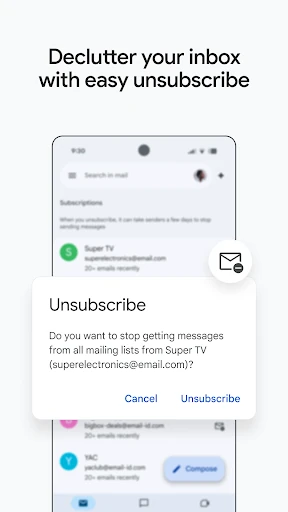
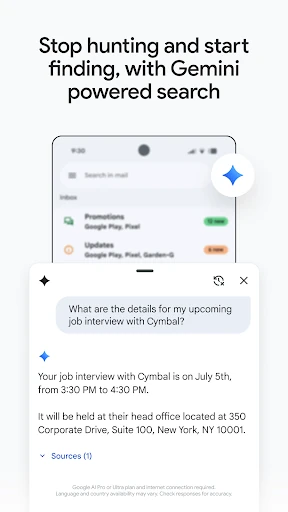
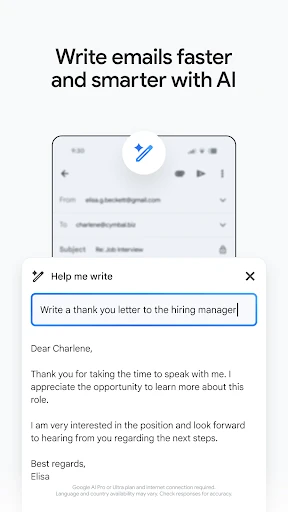
Click to download now, finish the installation quickly, and directly unlock the all-round experience
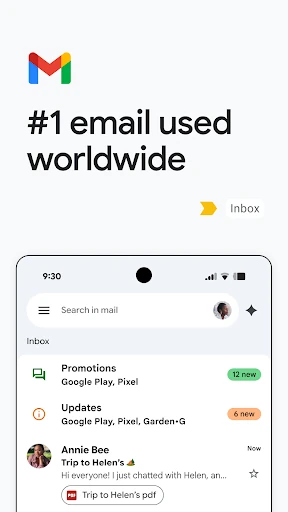
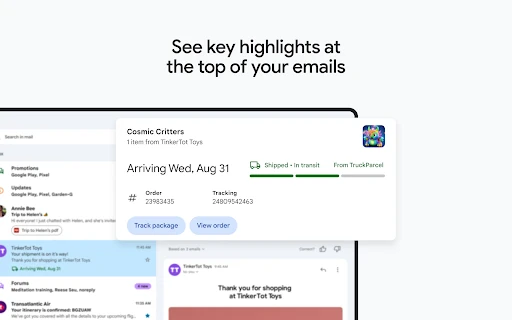
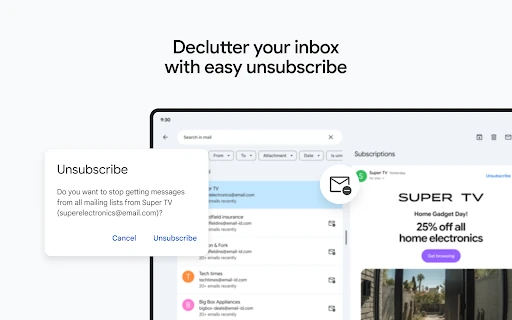
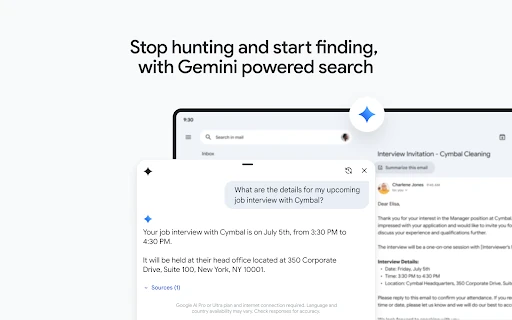
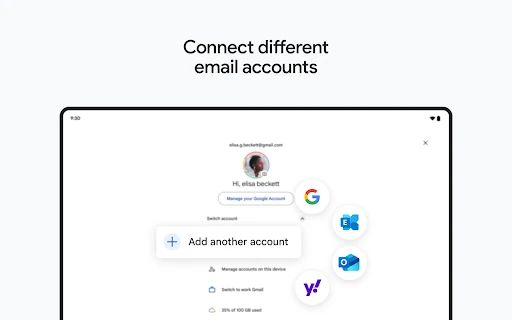
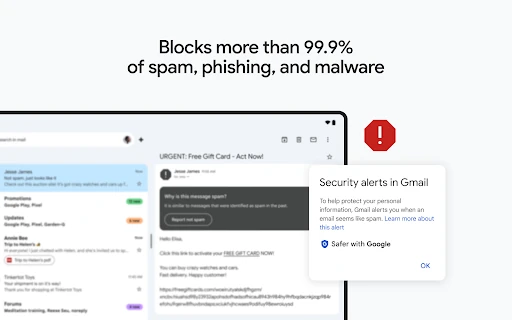
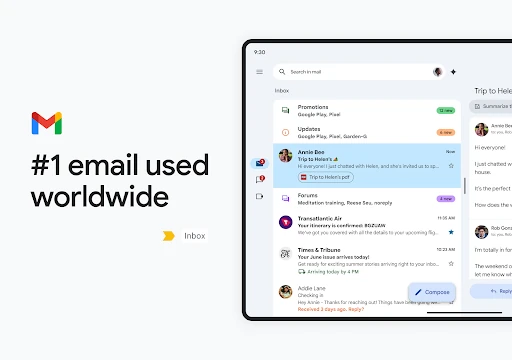
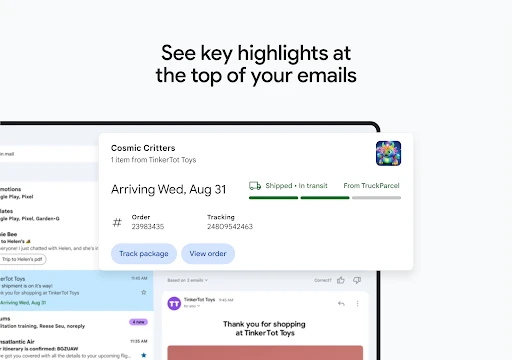
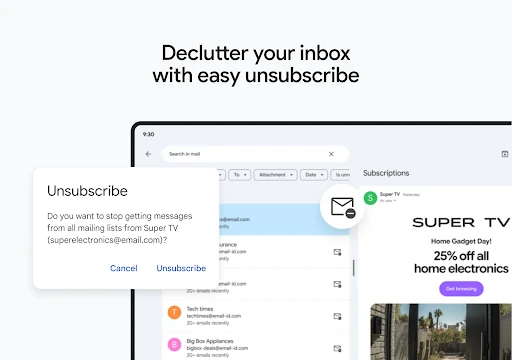
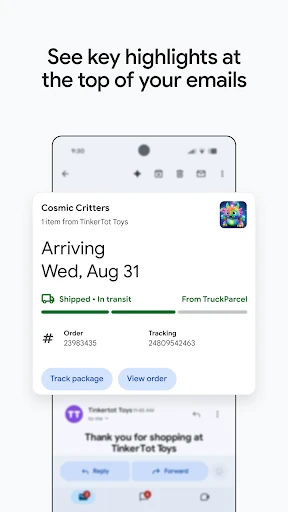
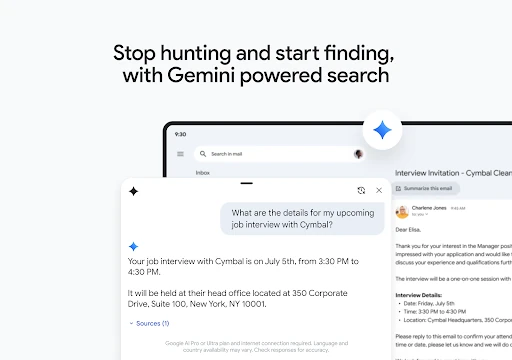
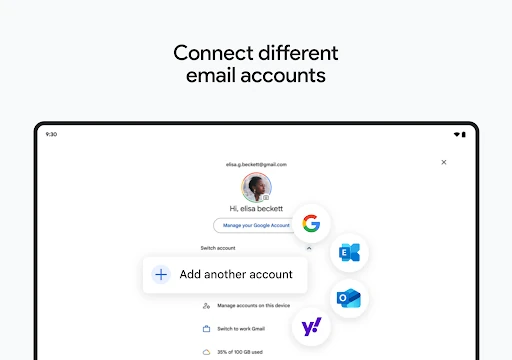
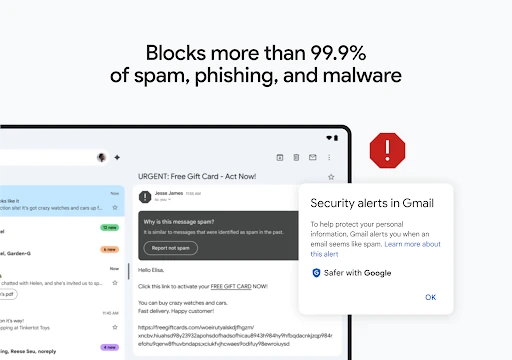
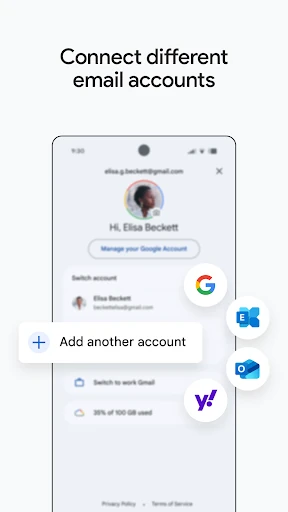
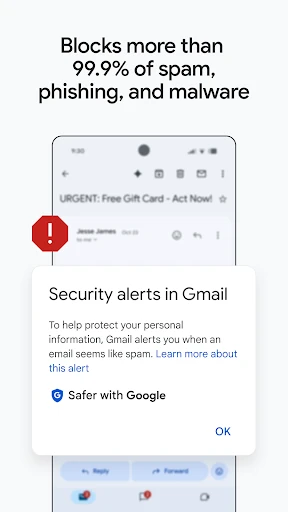
Gmail is Google’s email app for reading, writing and organizing messages on an Android device. It suits people who want to manage correspondence from a phone, search their inbox for older messages, and keep email conversations together. The app also includes spam filtering and can be used with more than one email account, including accounts from other providers.
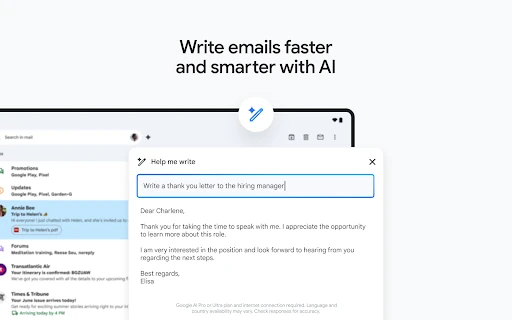
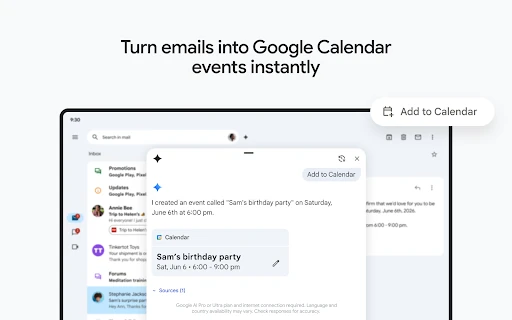
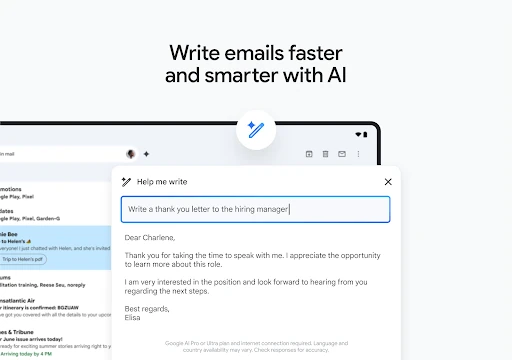
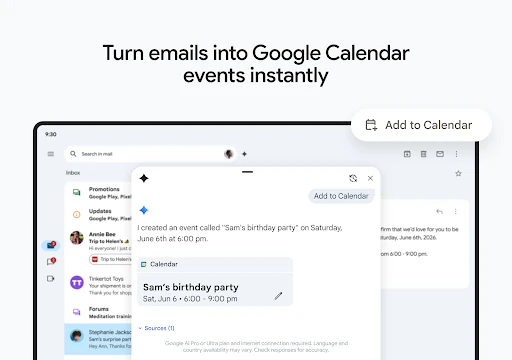
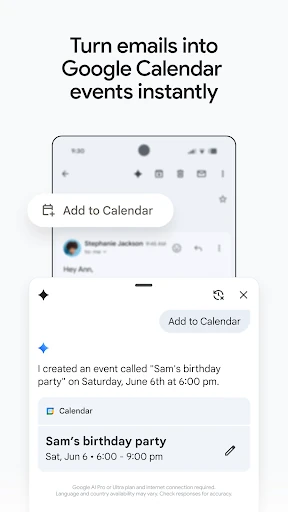
Alongside email, Gmail connects with Google services such as Calendar, Meet and Chat. That can be useful if you receive invitations or meeting details by email and want to continue in another Google service. The app also offers writing assistance and suggested replies. These additions may help with routine tasks, though they are not essential to sending and receiving email.
The publisher is Google LLC, and the listed category is Communication. The app has a rating of 4.114306 from 14,166,839 ratings, with 10,000,000,000+ installs shown. Those numbers describe the store listing; they do not tell you whether Gmail’s layout, account support or bundled tools suit your own needs.
Before choosing Gmail, open its public store page and check the publisher name, current rating and rating count against these details. Review the access it requests and its update record there too, since those can change over time. If you only need basic email, consider whether the extra Google services are useful to you. If you already use Google accounts and Calendar or Meet, the connections may fit your routine. The store page is the place to confirm the current details and decide.